
Comprehensive guide
How Figo talks.
The cooker has no screen — the light is the whole story when your phone is in another room. Read this when a light looks new, a cook stopped, or the app says Check Figo.
How Figo moves water
Figo is a sealed water bath. Distilled water sits in the rear tank (arrow lined up with the notch), pumps into the compartment around the bag, holds a temperature, then drains back. Fill and drain each take about four minutes.
| Water is… | App wording | Typical light |
|---|---|---|
| In the tank | Water in Tank | Off if idle; blue if cooling |
| Moving into the compartment | Water moving in | Purple |
| In the compartment | Water in Compartment | Red if cooking |
| Moving back to the tank | Water moving out | Green |
Fill to MAX for 1 serving or smaller; fill 2/3 to max for 4 or larger servings. Bigger bags take up more room in the compartment, so they need less water in the tank. Do not overfill both.
A cook can start with water in the tank or already in the compartment. A chill starts only from the tank. If water is mid-drain, let it finish.
Lights
Tap a color. One color shows at a time — if two things are true the cooker picks in this order: flashing red first, then the green done pulse, then purple fill, then green drain, then blue cool or red cook.
Solid purple
Water is moving from the tank into the cooking compartment. It takes about four minutes.
Wait. Do not pull the tank while the light is purple.
| You see | Meaning | What to do | |
|---|---|---|---|
| Off | Idle and ready. Nothing is filling, cooking, or cooling. | Start from the app, or use the buttons below. | |
| Solid purple | Water is moving from the tank into the compartment. | Wait about four minutes. Do not pull the tank. | |
| Solid red | Heating. A cook is running. | Let it work. Hold the top button only if you need to cancel. | |
| Solid blue | Cooling. Figo refrigerates to under 40°F (room under 80°F). | Press both buttons to cancel the chill at the cooker. | |
| Blinking green | The cook finished. Dinner is holding done. | Hold the top button 5 seconds (or Complete in the app) to drain. | |
| Solid green | The cycle is complete and water is returning to the rear tank. | Wait until the light goes off. Then the tank is ready again. | |
| Flashing red | Safety alarm latched. Highest priority. Often the temperature sensor; not always “add water.” | See Flashing red and E001. |
Flashing red and E001
Flashing red means the cooker stopped heating for safety and is waiting for a person at the appliance. The app may show a blinking red ring and one of these lines:
- No temp reading (E001) — the water temperature sensor is not sending a usable number. This is the temperature-sensor fault.
- Check Figo (E001) — same sensor fault, but a number is still on screen. Still E001. Still check the cooker.
- Check Figo with no code — another safety stop (over-heat, dry heat, or the heater loop stalled). Treat it like an alarm: do not eat that cook yet.
- Check Figo with no flashing red — rarer electronics overheat on the heater driver. Do not fill the tank to “fix” it. Email us.
E001 is the only customer error code. Other stops say Check Figo on purpose so nobody has to memorize engineering names.
Clear a flashing red light
- Press both buttons together. That is the only way the cooker itself clears the alarm.
- If it is still flashing: unplug, wait 10 seconds, plug back in, press both buttons again.
- Look at the tank. If it is empty, refill with distilled water and start again. If the tank looks fine and the app shows E001, the sensor needs us — email info@eatfigo.com.
- Do not serve food from a cook that stopped with this alarm. The bath did not finish.
A full tank with flashing red is usually the sensor or a heater-safety cut, not “add water.” The old “needs water” wording in notifications is leftover language for the same alarm flag.
Buttons
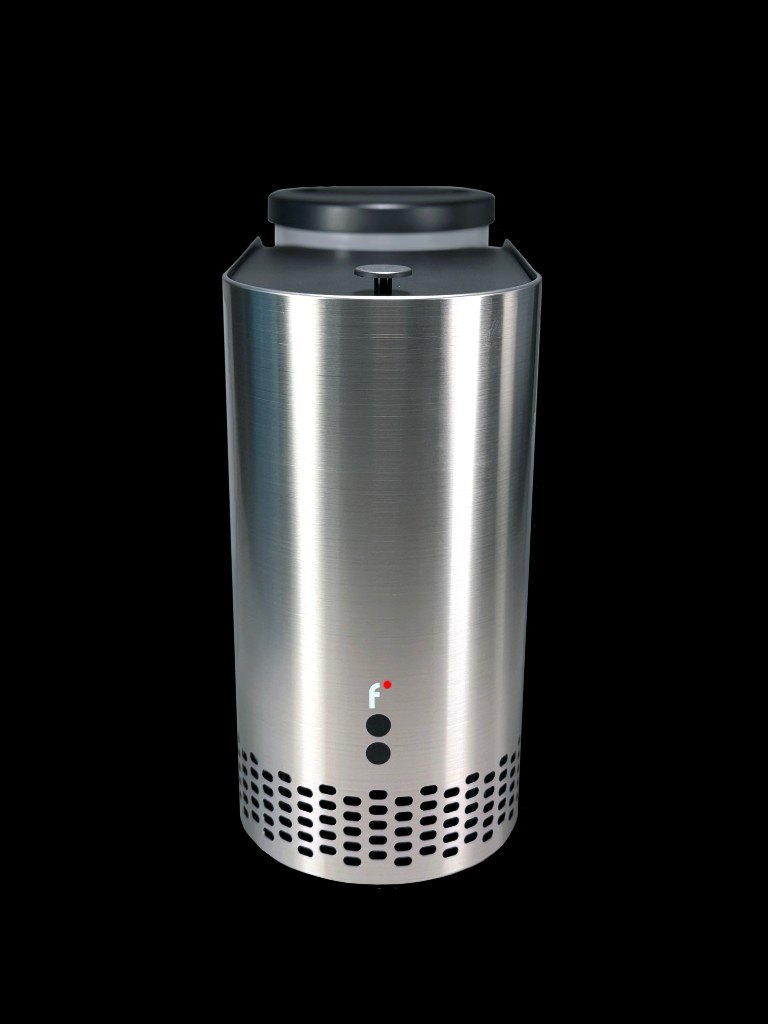
Two buttons on the front. Top = cool, complete, cancel. Bottom = vacuum. Tap a button on the cooker, or tap the steel for both.

Hold the top button 5 seconds
After a cook (blinking green): completes the cycle and drains water back to the rear tank. During a cook (solid red): cancels the cook and drains.
| Gesture | Figo must be | Result |
|---|---|---|
| Tap top | Ready, water in the tank | Cooling to under 40°F (blue) |
| Hold bottom; release to stop | Ready, sealer twisted on | Vacuum seal the bag |
| Hold both ~3 seconds | Ready | Quick cook at the default (purple fill, then red) |
| Hold top | Cooking, not finished (solid red) | Cancels the cook and drains |
| Press both | Cooling (solid blue) | Cancels the chill (a brief red flash is normal) |
| Hold top 5 seconds | Cook finished (blinking green) | Completes: drains water to the tank — this is not a cancel |
| Press both | Flashing red | Clears the safety alarm, returns to ready |
There is no pairing button. Bluetooth uses the name EatFigo automatically while Figo is plugged in.
What the app shows
The phone follows the cooker. Wi‑Fi in the cook screen means the cloud session. Bluetooth means a live link to the unit.
- Hold to Cook / Hold to Cool — press and hold in the app (about a second) so a brush does not start a cycle.
- A cook that faults never gets a “cooked / done” celebration. You should see Check Figo or E001 instead.
- Push: “Check your Figo” when a cook stops early. “Figo needs water” is the same alarm family — look at the light and the tank before you assume it is empty.
- “Please check your device” — same alarm. If it continues, info@eatfigo.com.
Bluetooth and Wi‑Fi
Pairing
- Plug Figo in. Stand next to it, with Bluetooth on and Location shared at least once.
- Add your Figo → Connect on EatFigo.
- Send the 2.4 GHz Wi‑Fi name and password from the app, and wait for the confirmation screen.
It will not join Wi‑Fi
- Must be 2.4 GHz. 5 GHz will fail every time.
- Stay on the pairing screen until it finishes. The password is written over Bluetooth.
- Guest networks, captive portals, and some mesh “client isolation” settings block the cooker. Use the household 2.4 GHz LAN.
iPhone connected, then dropped
Settings → Bluetooth → EatFigo → Forget This Device. Open the Figo app and scan again. Old phone bonds get stuck after firmware updates.
App says disconnected
Confirm the kitchen Wi‑Fi is up. Power-cycle Figo at the wall if it has been online a long time and will not come back. Then reopen the app.
Cleaning & maintenance
After each cook
- Wipe down the internal compartment and the water tank.
- Always refill with distilled water for long-lasting performance.
- The unit is not dishwasher safe.
Deep clean (every month or two)
- Make the solution: mix 2 cups filtered water with 1 cup white vinegar, and fill the tank to the MAX line.
- Run the cleaning cycle from Device Status in the app. It runs for 10 minutes. When the light blinks green, hold the top button 5 seconds (or use the app) to complete the cycle.
- Finish: empty the vinegar solution, wipe the inside and outside with a clean damp cloth, let everything dry, then refill with distilled water to MAX.
Juices should never enter the Figo unit. If they do, run this same vinegar clean right away.
What not to assume
- There is no lid-open sensor. A light is never “close the lid.”
- Flashing red is not always an empty tank.
- Purple is fill, not a fault.
- Solid red is cooking, not an error. Flashing red is the alarm.
- When you email us, the light color plus E001 or Check Figo is enough. You do not need any other code.
New to Figo? Start with Getting started.